Resize Image Online
Adjust width, height and quality instantly. Fast, private and secure.
Drop an image or click to upload.
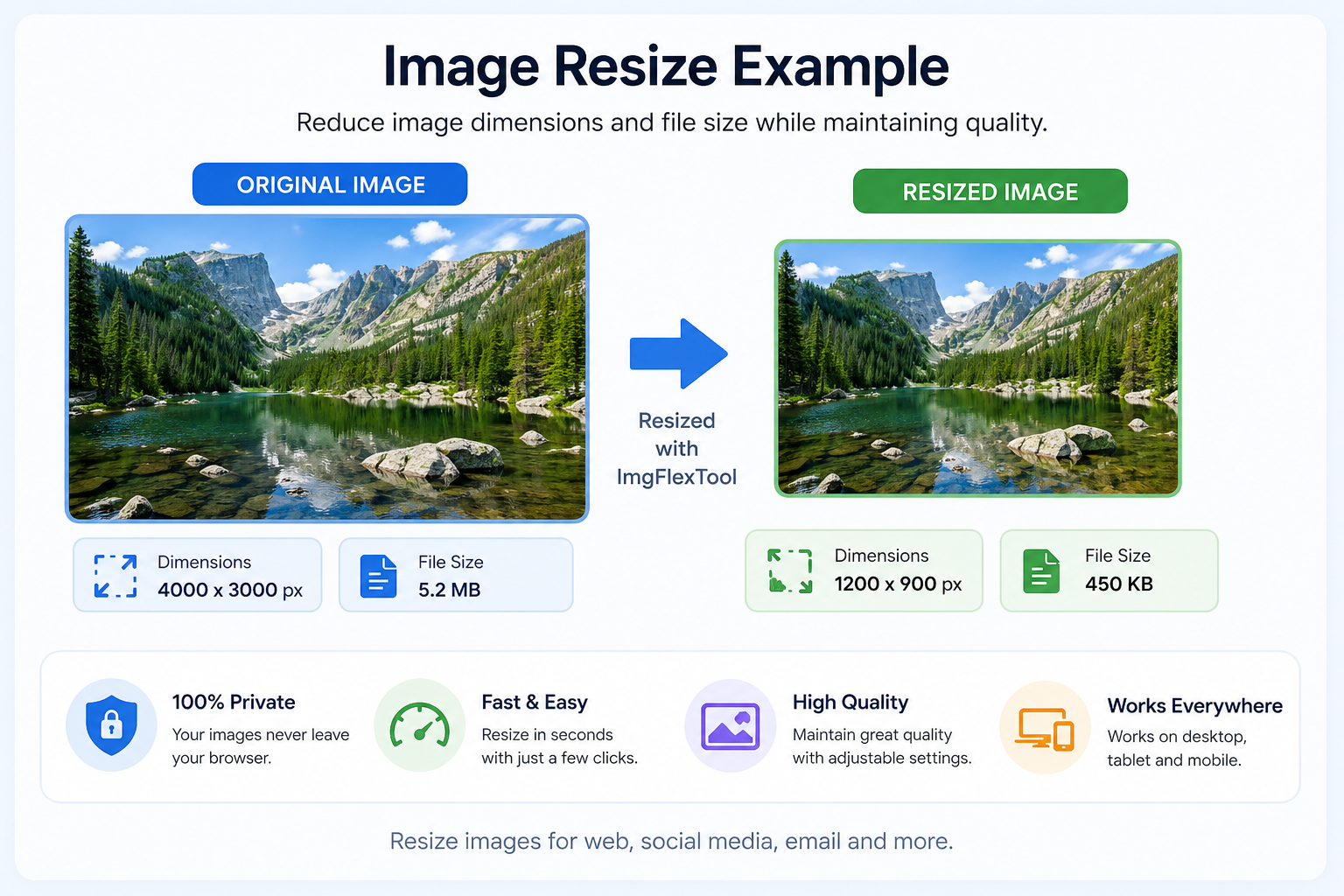
Original Image
Resized Image
Free Online Image Resizer
Resize images for Instagram, WhatsApp, websites and social media without losing quality. The process happens directly in your browser for maximum privacy.
Resize images easily with our free online tool. Adjust width, height, and quality without uploading to any server. Everything is processed directly in your browser for maximum privacy.
Why Resize Images?
Resizing images helps reduce file size, speed up website loading, improve email attachments and optimize images for social media or printing.
How to Resize Images Online
- Upload your image (JPG, PNG, WebP, etc.)
- Enter a new width or height (or both)
- Choose quality (for JPG/WebP)
- Download the resized version instantly
Supported Formats
- JPG
- PNG
- WebP
- BMP
Frequently Asked Questions
Does resizing reduce image quality?
Not necessarily. You can adjust quality settings to balance file size and appearance.
Can I resize images on mobile devices?
Yes. The tool works on Android phones, iPhones, tablets and desktop computers.
Are my images uploaded?
No. All processing happens locally in your browser.
What image formats are supported?
JPG, PNG, WebP and BMP are supported.
Related Tools
Try our JPG to PNG Converter, PNG to JPG Converter, JPG to WebP Converter, and WebP to JPG Converter.